

Talk to Piste
Web app
The Piste web app at app.usepiste.com is where the owner chats with Piste, decides what's waiting in Needs you, and runs automations and settings.
The Piste web app, at https://app.usepiste.com, is where the owner chats with Piste, decides what's waiting, and runs the workspace: automations, jobs, playbooks, connections and settings. Only the owner signs in on the web. Everyone else uses Piste through Slack.
What's in the sidebar?
At the top of the sidebar are Home and the main pages. Under a "Chats" label come your chats, the most recently active first. At the foot is a block of smaller links with no heading: Connections, Apps, Skills, Memory and Activity. These are the Settings pages. Your account row is at the very bottom.
| Link | Address | What it's for |
|---|---|---|
| Home | /chat | Start a chat, see yesterday's sales and what's waiting |
| Needs you | /needs-you | Approvals, questions and changes waiting for a decision. Its badge counts them. |
| Jobs | /jobs | Longer work the coder is doing or has done. Its badge shows how many are in progress. |
| Automations | /automations | Your automations, the template gallery and the Schedule tab |
| Measurement Early access | /measurement | What your ad spend did, and budget changes to review |
| Playbooks | /playbooks | Specialists you install in one step, such as Store operations |
| Each chat, under Chats | /chat/<id> | Your 50 most recent chats. With none yet, it reads "Your chats show up here." |
| Connections | /settings/connections | Your store, Slack, iMessage, ad accounts, assistants, data tools, and your Claude and ChatGPT plans |
| Apps | /settings/apps | Connected apps and your own MCP servers |
| Skills | /settings/skills | Procedures Piste follows for recurring tasks |
| Memory | /settings/memory | What Piste remembers about the business |
| Activity | /settings/activity | The decision log |
The account row shows your workspace's name, and under it your name marked "Owner". Its menu shows your email address and Sign out.
What's on Home?
Home, at https://app.usepiste.com/chat, is the front door: signing in lands you there. It greets you by first name, with "Good morning", "Good afternoon" or "Good evening", and asks "What should we look at for" your store.
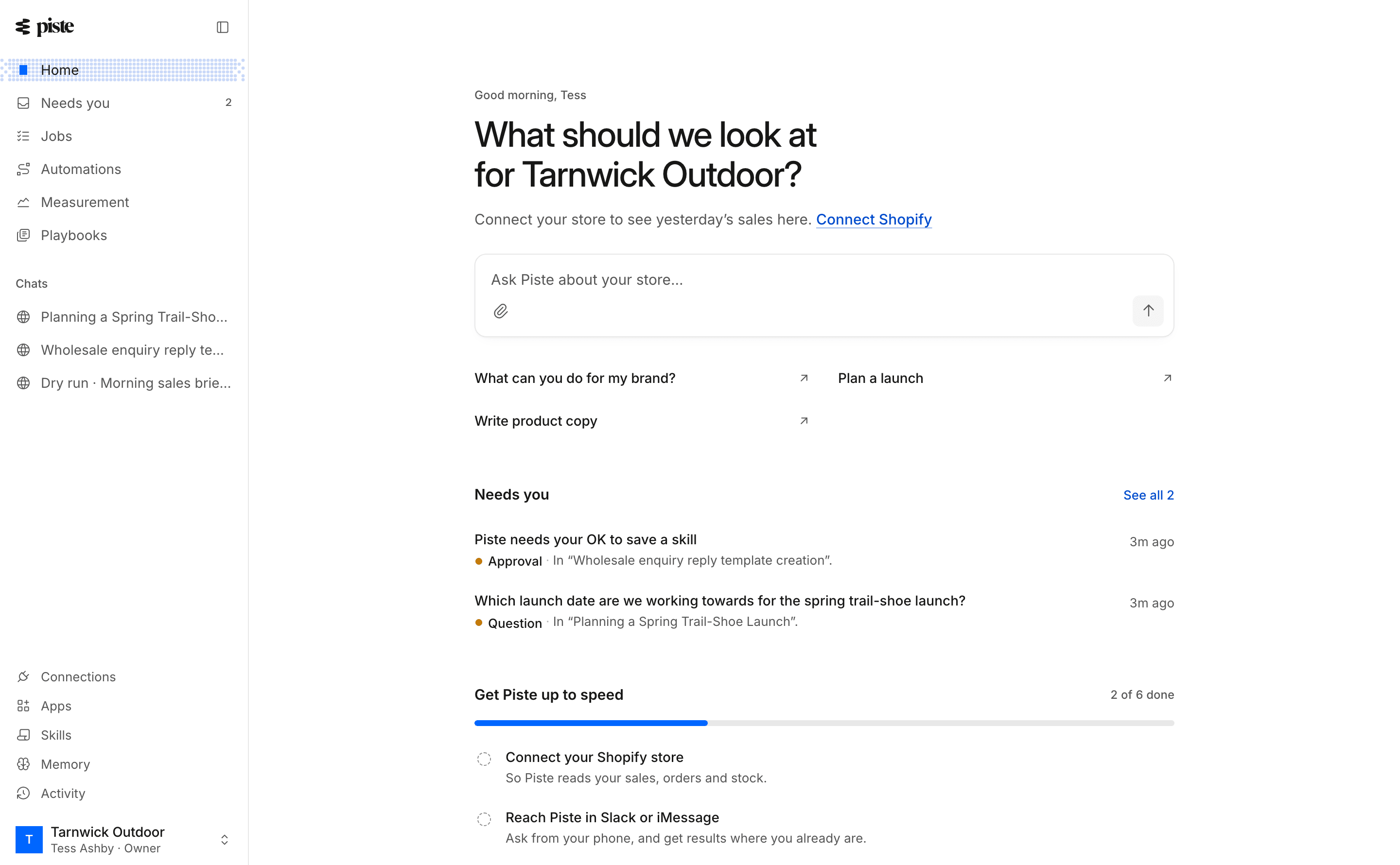
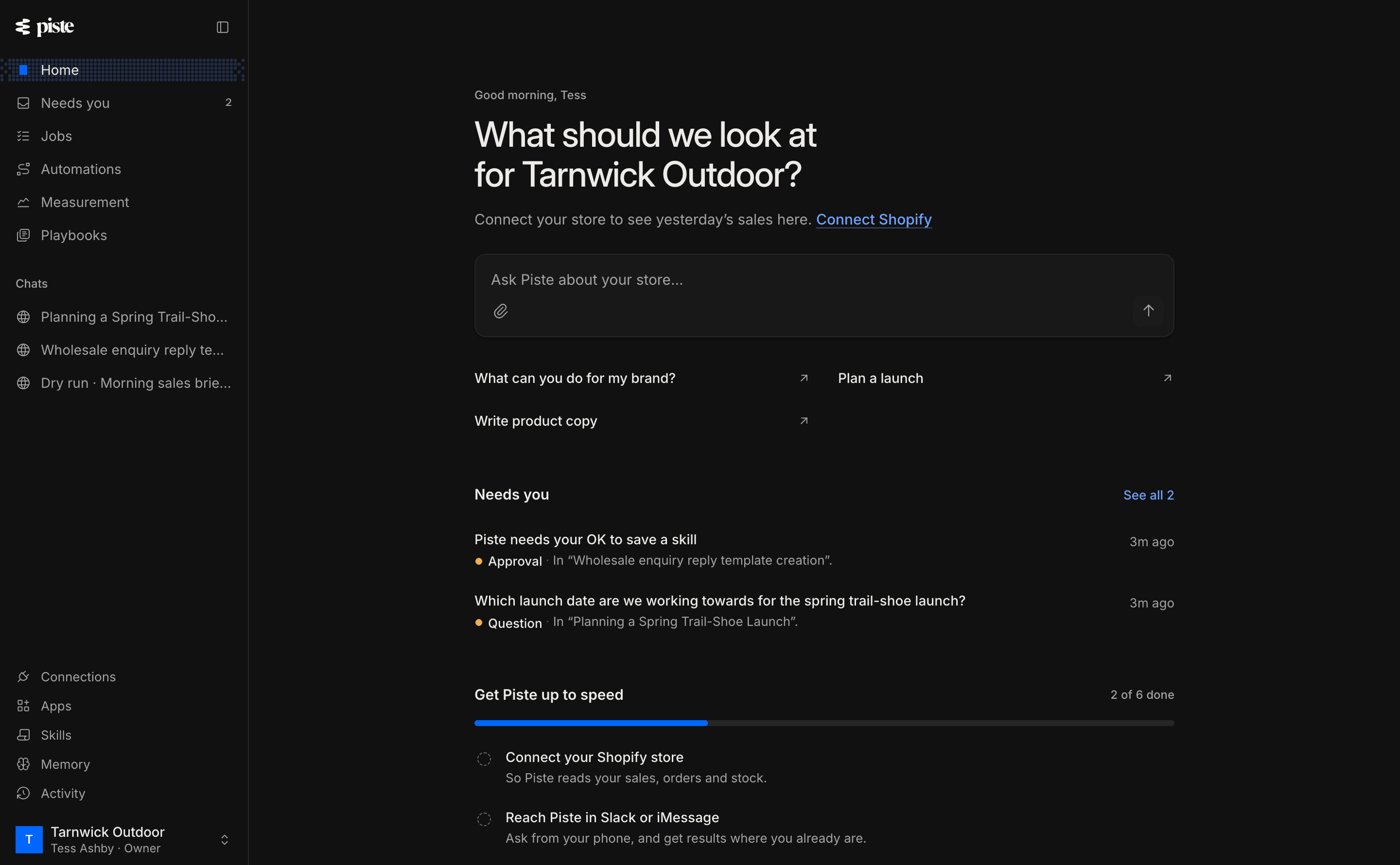
Under the greeting is yesterday's sales line: net sales and orders, and how sales compare with the average of the same weekday over the four weeks before. A day within 5% of that average reads, for example, "About a usual Tuesday". With several stores, each gets its own line, never added together.
Then comes the box, "Ask Piste about your store…", where you can also attach photos or files. The quick actions under it fill the box and never send on their own:
- With a store connected: "How did last week go?", "What's about to sell out?", "Set up a stock watch" and "Who are my best customers?"
- Without one: "What can you do for my brand?", "Plan a launch" and "Write product copy".
Below the box, Home shows these sections in this order, leaving out any with nothing to show:
| Section | What it shows |
|---|---|
| Needs you | The first three things waiting on you, with "See all" and how many there are. An approval, a question or a proposed change opens Needs you, where you decide it. |
| Worth a look | Up to five things in your store, at most three of them about stock: a best seller with 14 days of stock or less, a product whose returns at least doubled week on week, or a product whose sales rose 50% or fell 40% week on week. Choosing one fills the box. When nothing stands out, it says so. |
| Get Piste up to speed | Six setup steps, from "Connect your Shopify store" to "Try an automation now". It goes once all six are done. |
| Pick up where you left off | Your five most recent chats |
| Coming up | The next three automation runs, how many store triggers are watching, and "See the schedule" |
Home reads your store live on each visit and keeps nothing it read. No model runs to draw it. The sales line and Worth a look come from one read of Shopify's sales reports, which the install doesn't include:
| Part | What it needs |
|---|---|
| Sales line | A connected store that has granted Allow Piste to read your sales reports, from Piste's page in the Shopify admin. Without it, the line reads "Yesterday's sales need Shopify's reports access. Open Piste from your Shopify admin to grant it." |
| Worth a look | The same as the sales line. Without sales reports the section doesn't show. Its stock rows also need products and inventory, which the install gives. |
| Needs you, Get Piste up to speed, Pick up where you left off, Coming up | Nothing from Shopify: they come from what's in your workspace. |
If you've granted sales reports and the line says "Shopify isn't sharing sales reports with Piste yet", Shopify is still refusing Piste the reports. They also need Shopify's approval of Piste's access to customer data, which may still be pending. Ask in a chat instead: Piste reads your sales another way.
How do chats work?
Start a chat by typing in Home's box. Piste names the chat from your first message, and it appears under Chats in the sidebar.
- What's listed. Chats holds your web chats, the chat each automation run starts, and your iMessage conversation, which shows as a chat called "iMessage" once you've texted Piste. Slack conversations stay in Slack. You can also open a run's chat from Automations, the Schedule or Needs you.
- Approvals. When Piste needs your OK, the chat shows "Piste needs your approval before it does this." with
ApproveandDeny. Afterwards it reads "You approved this." or "You denied this. Nothing was done." - Questions. When Piste asks you something, pick an answer or type your own.
- When something fails. The chat shows "Piste couldn't finish that" with the reason, and
Retry.
The chat's options menu has Rename, New chat and Delete chat. A name can be up to 80 characters, and Piste keeps the name you give it. Deleting asks "Delete this chat?": "It disappears from your chats. Anything Piste did in it stays done."
What is Needs you?
Needs you, at /needs-you, lists everything waiting on you: "Approvals, questions, changes waiting for a decision, and anything that stopped until you look at it. Each one leaves on its own once it's dealt with." The badge beside the page's title reads "3 waiting", for example, or "Nothing waiting".
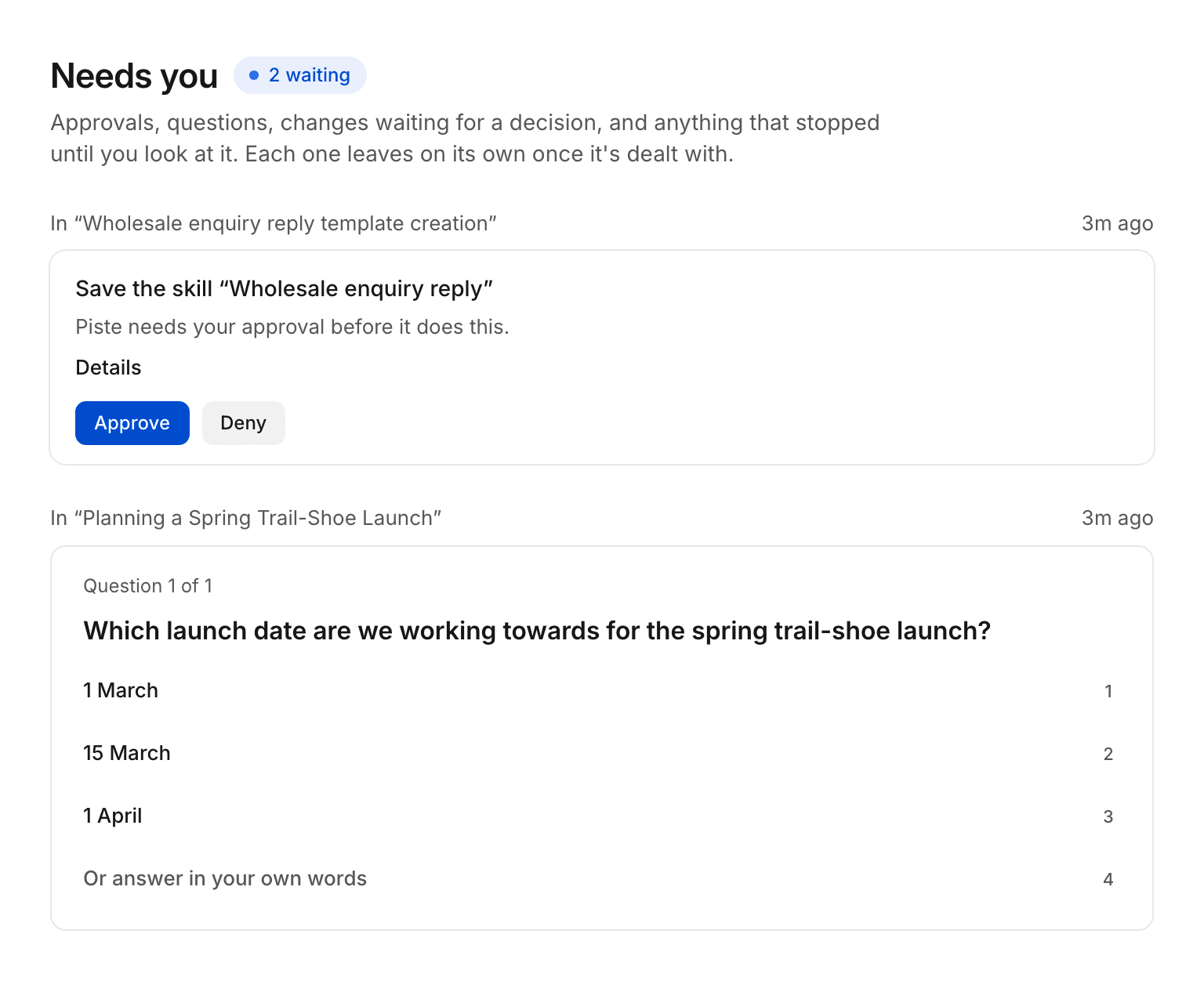
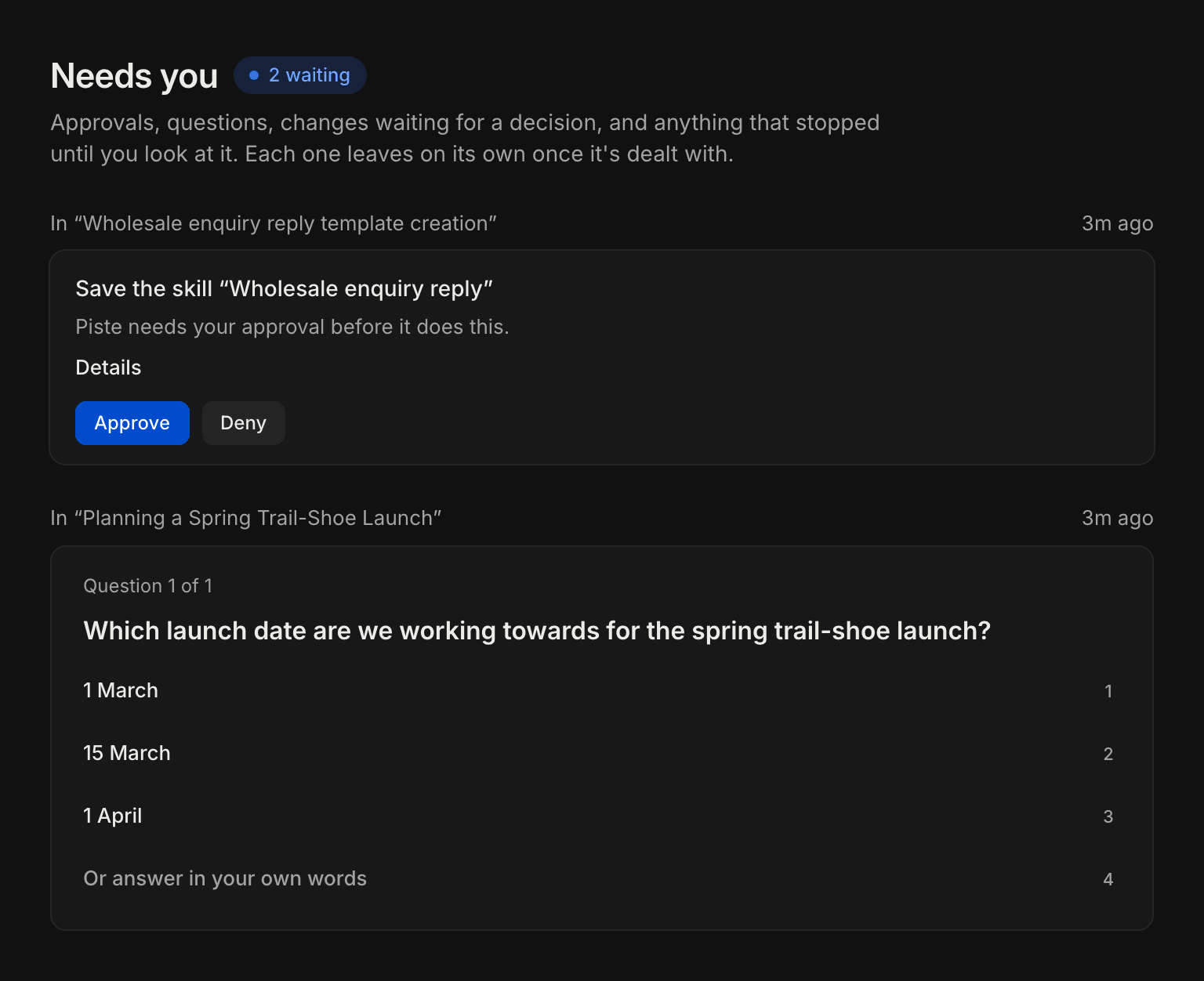
On this page, approvals, questions and changes Piste proposed are cards you decide in place, each under a line that says where it came from, such as "In" and the chat's name. Every other item is a row led by a word that says what it is. In Home's Needs you section, every item is a row led by its word:
| Label | What it is |
|---|---|
| Approval | Piste needs your OK in a chat. Approve or deny it here. |
| Question | Piste asked you something in a chat. Answer it here. |
| Decision | A change Piste proposed: a store edit, a change follow-up or an ad change. It has the same buttons as its Slack card. |
| Needs your hands | The coder needs you in its browser for a job |
| Waiting | An automation run is waiting on you |
| Failed | An automation run failed |
| Shopify | Your store needs reconnecting |
| ChatGPT plan | Your ChatGPT plan needs reconnecting |
| Connection Early access | An ad account to reconnect, or to choose |
| Playbook question | A playbook question to answer |
| Budget change Early access | Budget changes to review, on the Measurement page |
Deciding a change here updates its Slack card too. Under the list, "Decided lately" shows what was decided in the last week. A Gmail draft card and a standing approval offer aren't listed: you decide those from their Slack card. See Proposals and cards.
What's in Settings?
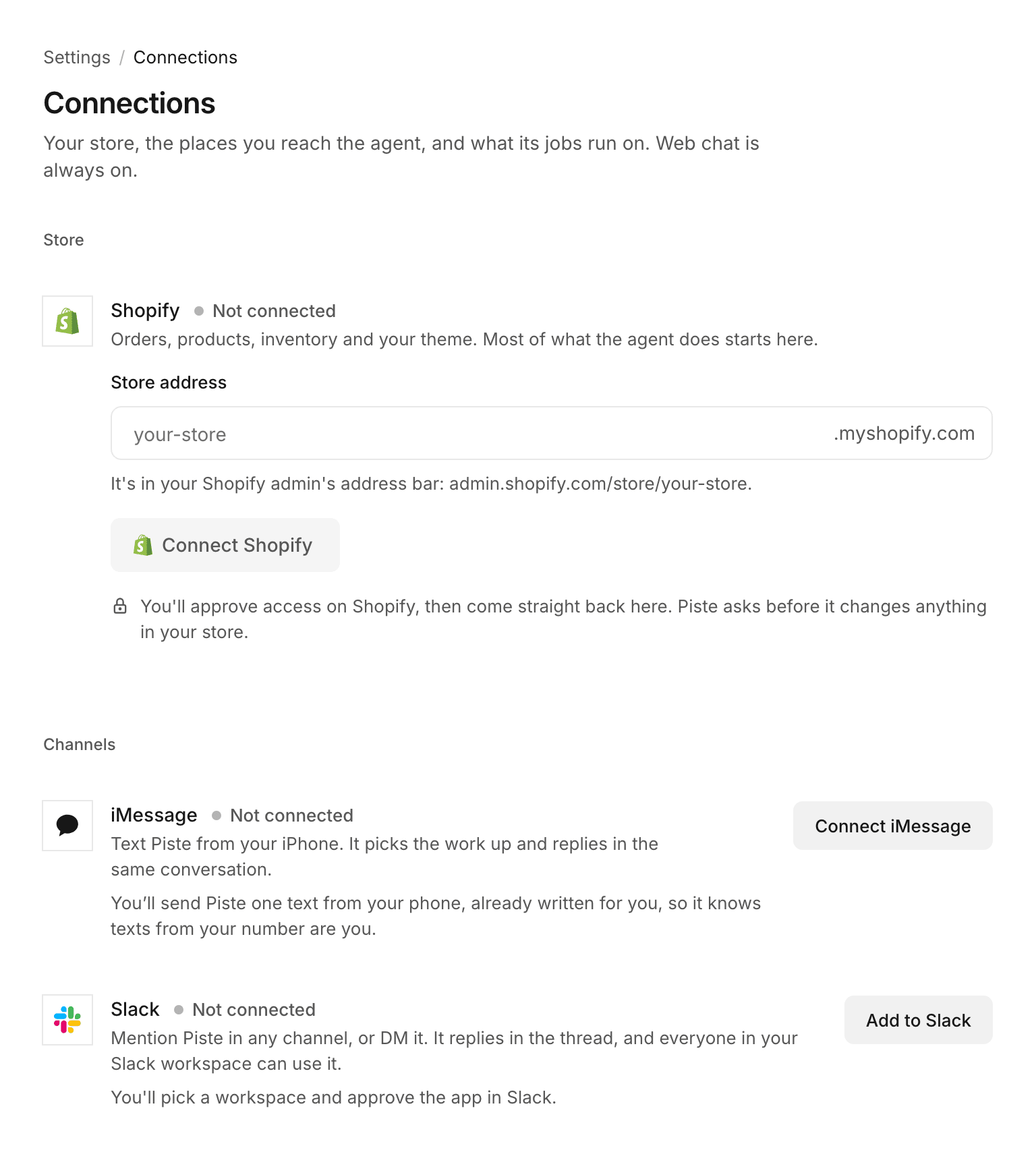
There's no single Settings page. Settings is the five smaller links at the foot of the sidebar: Connections, Apps, Skills, Memory and Activity. Each of their pages shows a breadcrumb such as "Settings / Connections" above its title, and its address starts /settings/. There's no account, team or billing page.
| Page | What it holds |
|---|---|
| Connections | Sections for Store (Shopify, and Add another store), Channels (iMessage and Slack), Ad accounts (Meta Ads and Google Ads Early access), Assistants (Claude and ChatGPT), Tools (data tools) and Jobs (your Claude plan and your ChatGPT plan) |
| Apps | Apps you connect, such as Gmail, Google Drive, Notion, Google Sheets, Klaviyo and Gorgias, and your own MCP servers |
| Skills | Your skills, with New skill |
| Memory | What Piste remembers about the business. Add, edit or delete each entry. |
| Activity | The decision log: what ran without asking, what Piste asked and who answered, and what it refused, with Download CSV |
Related
- Quickstart: set up the workspace and ask your first question.
- Automations: the Automations page and its Schedule tab.
- Approvals: what Needs you asks you to decide, and who else may.
- Team and roles: why only the owner signs in on the web.